WeavePoint is the easiest and fastest way to integrate a computer
into your weaving. It combines an unprecedented ease-of-use,
derived from the Windows environment, with revolutionary and
stunning graphics.
Includes the Project Planner,
an easy-to-use worksheet that yields accurate costing for all
of your weaving projects.
WeavePoint lets you quickly produce patterns and colorways
for all the main loom systems, from tie-up and table looms to
dobby and industrial shaft looms, and is a very efficient tool
for trying out new ideas and techniques in a systematic way.
WeavePoint is made to fill the requirements of the experienced
designer. But also, if you are learning or teaching, this program
can be very useful since so many design principles are built
into the program. The Design mode can even be used for knitting
and other repetitive grid patterns. Or to design patterns for
a drawloom.
For using WeavePoint also in production, interface options
for various loom control systems are available.
Instant Drafting
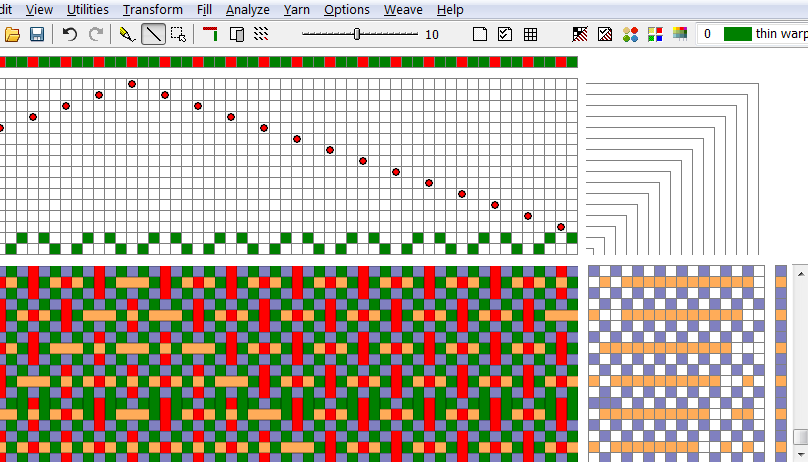
Because WeavePoint displays all four quadrants of the drafting
grid, you can watch your weave grow as it's being planned. When
editing, all changes are instantly reflected in corresponding
areas of the draft. Each time you fill in a square, the program
updates all technical information. You can even draw directly
on the drawdown and see the tie-up or liftplan being updated
simultaneously.
Basic Features
- Set your own layout preferences: Select to have the threading
positioned at the top or at the bottom (Scandinavian style).
- Weave top down or bottom up (like you see the cloth on the
loom).
- Select threading start position on left or right side.
- Select the position of shaft 1 in the threading - at the
top or bottom of the threading grid.
- Up to 128 shafts.
- Up to 128 treadles.
- Up to 9600 ends and 9600 picks.
- 20 zoom levels, in all modes (draft, design, etc.)
- Up to 256 colors in one pattern, from a palette of over 16
million colors.
- Switch easily between tie-up, dobby and multi-treadling loom
system.
- Rising or sinking shed.
- Comprehensive, online context-sensitive Help.
- Display drawdown as plain, in grid or as interlaced threads,
while you edit the draft.
- Marking Lines in grids.
- Draw freehand or line.
- Current mouse position is continuously updated in the status
line.
- Multiple Undo and Redo.
- Keyboard input - edit the draft with keyboard only, without
using the mouse, instead using cursor keys etc.
- Repeat, Copy, Cut, Paste, Mirror, etc.
- Paste Special to repeat, rotate, create advancing twills
and more.
- See your fabric in the floating Fabric Window, while editing
the draft.
- Library - pick common threadings, generate endless twill
variations automatically, create satins with the satin wizard.
- Design mode.
- Fabric analysis. Analyzes patterns for the most efficient
possible threading, treadling and tie-up (or liftplan). Enter
your design and WeavePoint will tell you how to weave it.
- Detailed insight into a design, including current repeat
lengths, length of floats, percentage of color or yarn, heddle
count.
- Annotate your pattern with a note/description.
- With the Browse dialog you can look for WeavePoint pattern
files by thumbnail images.
- Yarns: Select name, description and a symbol for use in the
threading and treadling or liftplan for each yarn.
- Quickly fill in your selected colors in warp and weft with
the Fill Colors dialog.
- Includes Project Planner, an
easy-to-use worksheet that yields accurate costing for your weaving
projects.
- Program and manual available in English, Finnish, German,
Swedish and Norwegian.
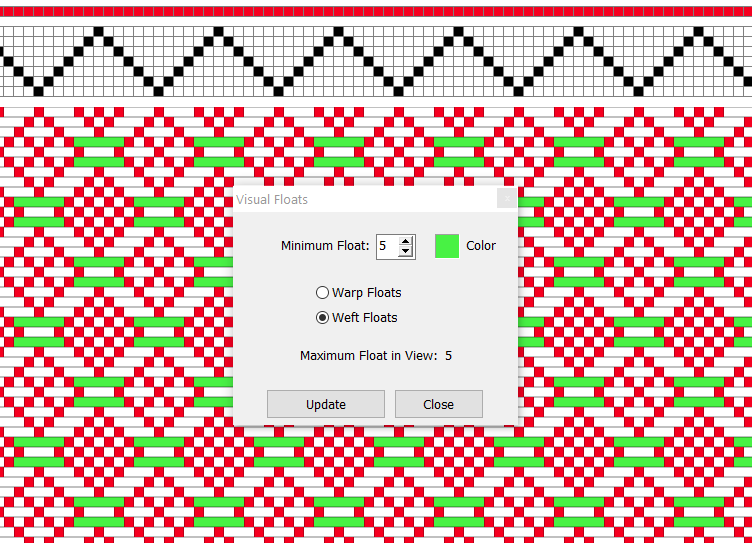
Visual Floats - An interactive dialogue in the Analyze menu, lets you see floats by selected length visually in the drawdown.
Fabric Display
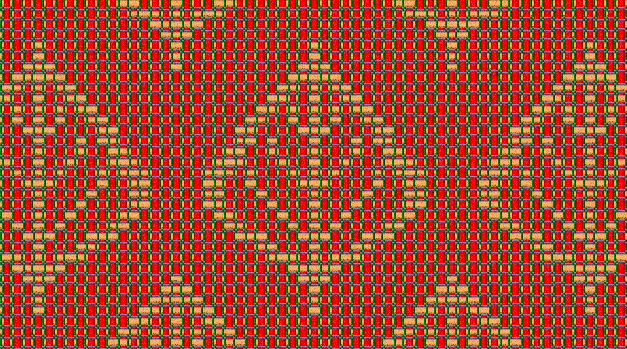
- Display fabric according to your fabric/yarn density settings,
per inch or per centimeter.
- Display fabric with a yarn-like surface simulation.
- Simulation of balanced, warp faced, weft faced and double
weave, , supplementary yarn.
- Variable thread size with thick and thin yarn and optional
space between threads.
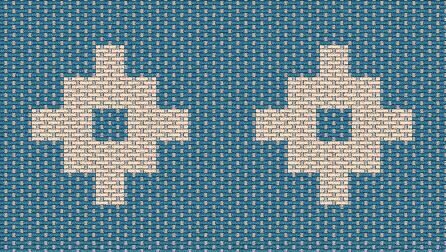
- Display fabric as 3D threads interlacement, to see how a
double weave (or any weave) goes together.

Files and Printing
- Allows for a wide variety of loading and saving options.
Load single elements, blend or append one liftplan onto another.
- Also exports and imports WIF files, the new universal weaving
file format which lets you interchange patterns with other weaving
programs.
- Save fabric and draft as PNG-Image, to let you open large
patterns in other programs for editing or printing.
- Import images from other sources (using .bmp files or simply
paste it in a grid).
- Print your drafts in publishing quality, in selectable sizes
or by scale and with many options. Add text notes to draft printouts.
- Print your fabric in actual scale (real world size), and
with a yarn-like surface!
Advanced Features
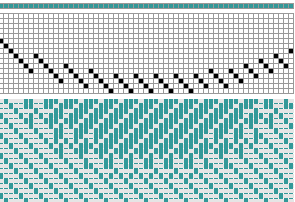
- Block substitution. Draw your own blocks.
- Translate profile weave drafts into full weaving drafts (similar
to block substitution, but using the "drawdown" as
profile). Select from a library of weaves or make your own.
- Network drafting - automatic, amazingly efficient,
with full flexibility.
- Overlay weaves over your liftplan, "jacquard"
way.
- Insert in threading and treadling/liftplan, for example automatically
insert plain weave.
- Insert one or more parallel threadings quickly and easily,
with selected interval and color.
- Numeric input of sequences in threading and treadling, using
formulas like 3(1-8).
- Twill generator.
- Double Width - Lets you fold the cloth so that you can weave
a cloth up to double the width of your loom.
Colors, Colors, Colors
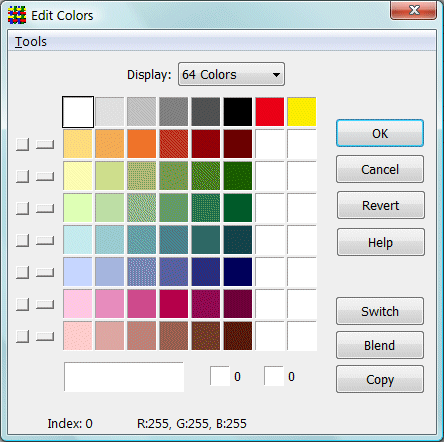
Edit colors in the Edit Colors window. Switch colors, change
colors or colorways, and more. Palette with up to 256 colors
in one pattern.
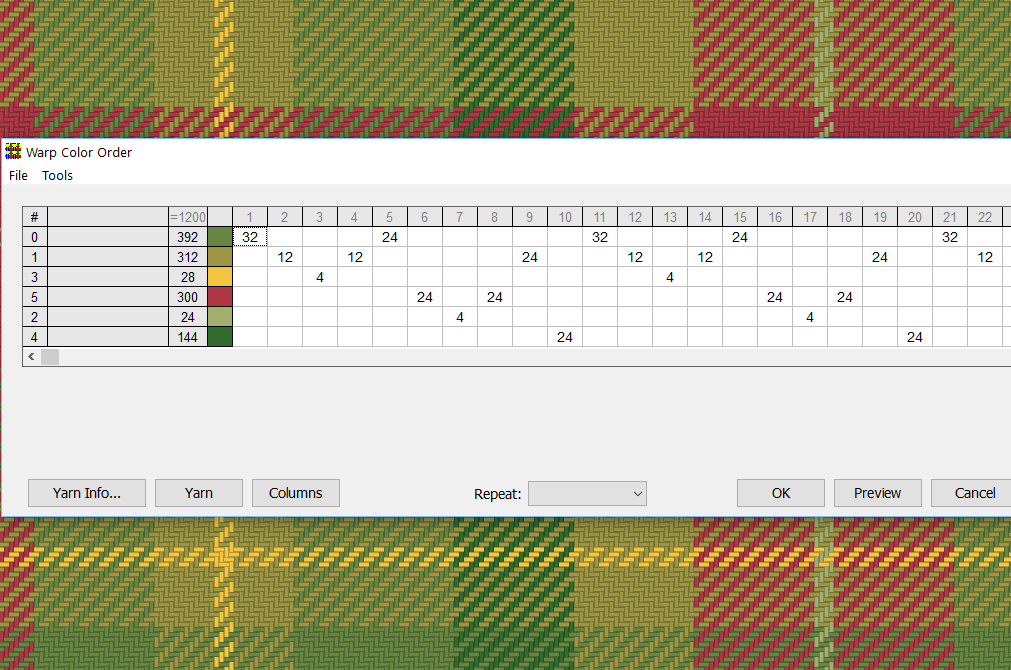
Warp Color Order - An interactive dialogue for creating or analyzing a warp color order/colorway. A "live" version of the warp color table found with recipes in various weaving magazines.
Weaving assistance
Manual loom control: Weaving assistance for table looms, floor looms with treadles,
countermarch looms and even drawlooms. Follow weaving for each pick on-screen. Press a key,
click the mouse or tap the screen to advance to the next pick.
System Requirements
- Windows XP/Vista/7/8/10/11
Home
| Features.. | Top..